Kindle Vocabulary Builder Exporter
Export your Kindle vocabulary to Excel
Upload your vocab.db file and get a clean, searchable spreadsheet
Processed entirely in your browser. Your vocabulary never leaves your device
Take your Kindle vocabulary with you
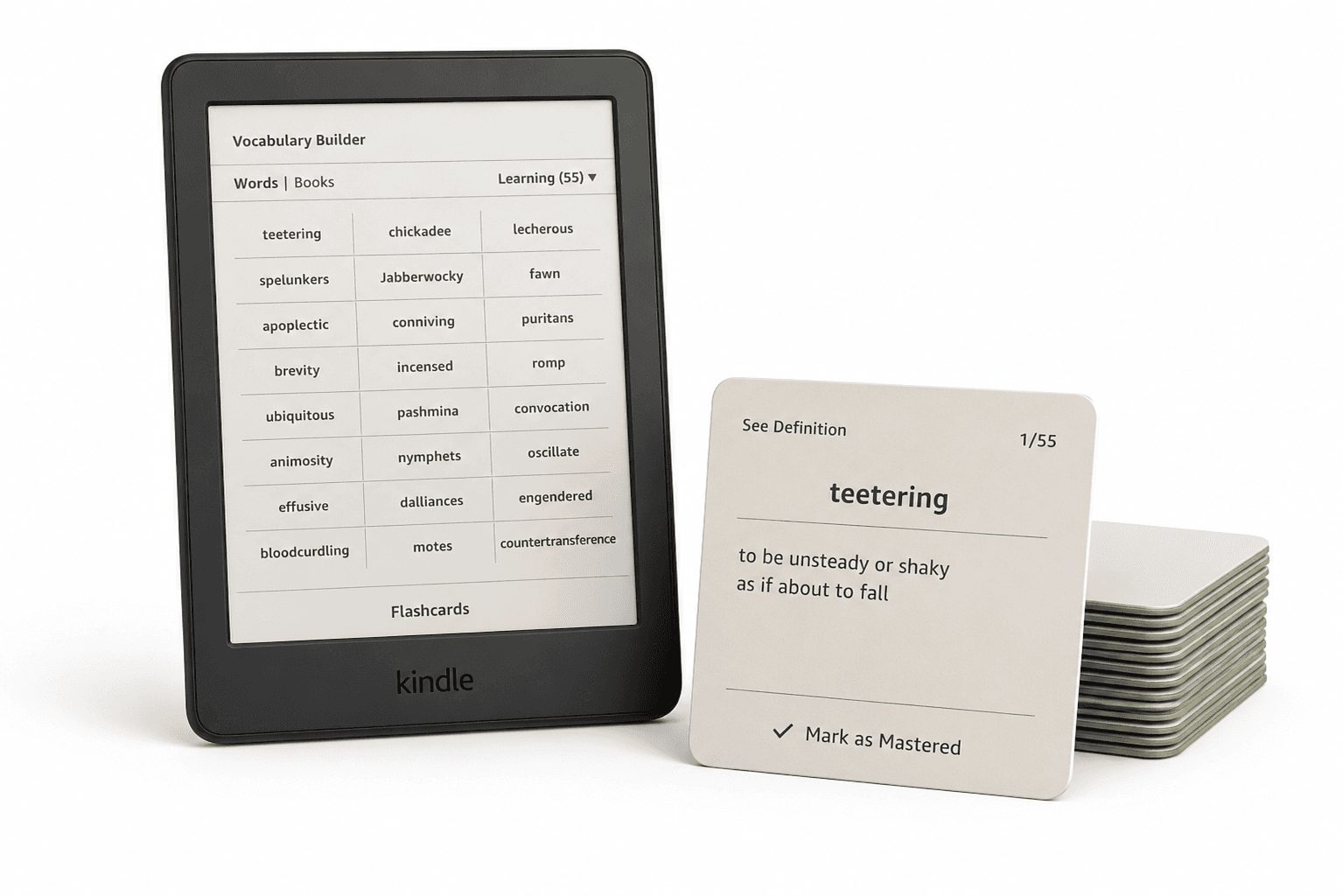
Your Kindle keeps the words you've looked up. Export them to a spreadsheet and review, organize, or study them wherever you want
Frequently Asked Questions
Connect your Kindle to your computer via USB. The vocab.db file lives in the system/vocabulary/ folder on the device (this folder may be hidden — enable hidden files in Finder or Explorer to see it).
Copy vocab.db from your Kindle's system/vocabulary/ folder to your computer, then upload it above. Your words, along with the sentences they were looked up in, are converted into a spreadsheet you can download instantly.
Finder hides Kindle's system folders by default. Connect your Kindle via USB, open Finder, and click your Kindle under Locations. Then press ⌘+Shift+. (Command+Shift+period) to reveal hidden files and folders, and look for system/vocabulary/vocab.db. If you still don't see the system folder, press ⌘+Shift+G in the Kindle window and enter /system/vocabulary/ — Finder will jump straight there. Just copy vocab.db to your Mac; don't modify anything on the Kindle itself.
vocab.db is the SQLite database Kindle uses to power Vocabulary Builder — it stores every word you've looked up in the dictionary, the sentence it appeared in, and which book it came from.
Yes. This tool exports your vocabulary as a CSV file, which opens directly in Excel, Google Sheets, or Numbers as a clean, sortable spreadsheet.
Yes — CSV is exactly what this tool produces. Upload your vocab.db file above and your vocabulary downloads as a CSV automatically, ready to use for spreadsheets or flashcard apps.