Send Articles to Kindle
Turn web articles into a clean Kindle-ready book
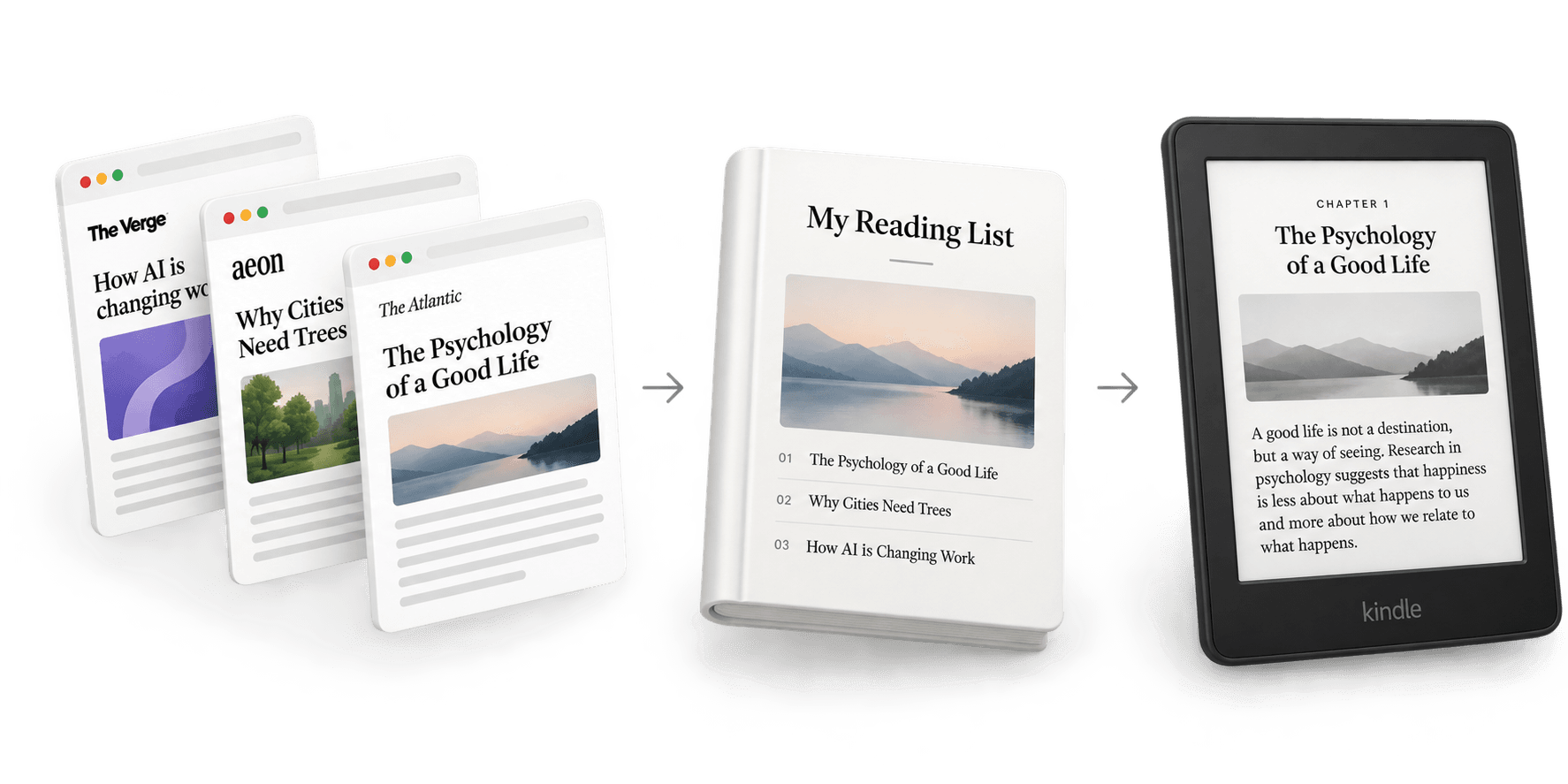
Paste a link, add as many articles as you want, and download one EPUB
Add multiple articles to one book
No account required. Your article list is saved only in your browser
Read web articles on your Kindle
Save the articles you want to read later, combine them into one clean Kindle-ready book, and read without ads, popups, or distracting web layouts
Frequently Asked Questions
Paste the article URL above, add as many articles as you want, and create your Kindle book. Download the EPUB and send it to your Kindle using Amazon's free Send to Kindle service.
Yes. Add as many articles as you like and they'll be combined into a single Kindle book with a table of contents, so you can move between them like chapters.
Only if the article content is publicly accessible. This tool can't bypass subscriptions or paywalls.
Your reading list is stored locally in your browser. No account is required.
The tool creates an EPUB, which Kindle supports through Amazon's Send to Kindle service.